How Immiva works

A faster, simpler way to prepare your immigration application — without lawyers, hidden fees, or paperwork stress.

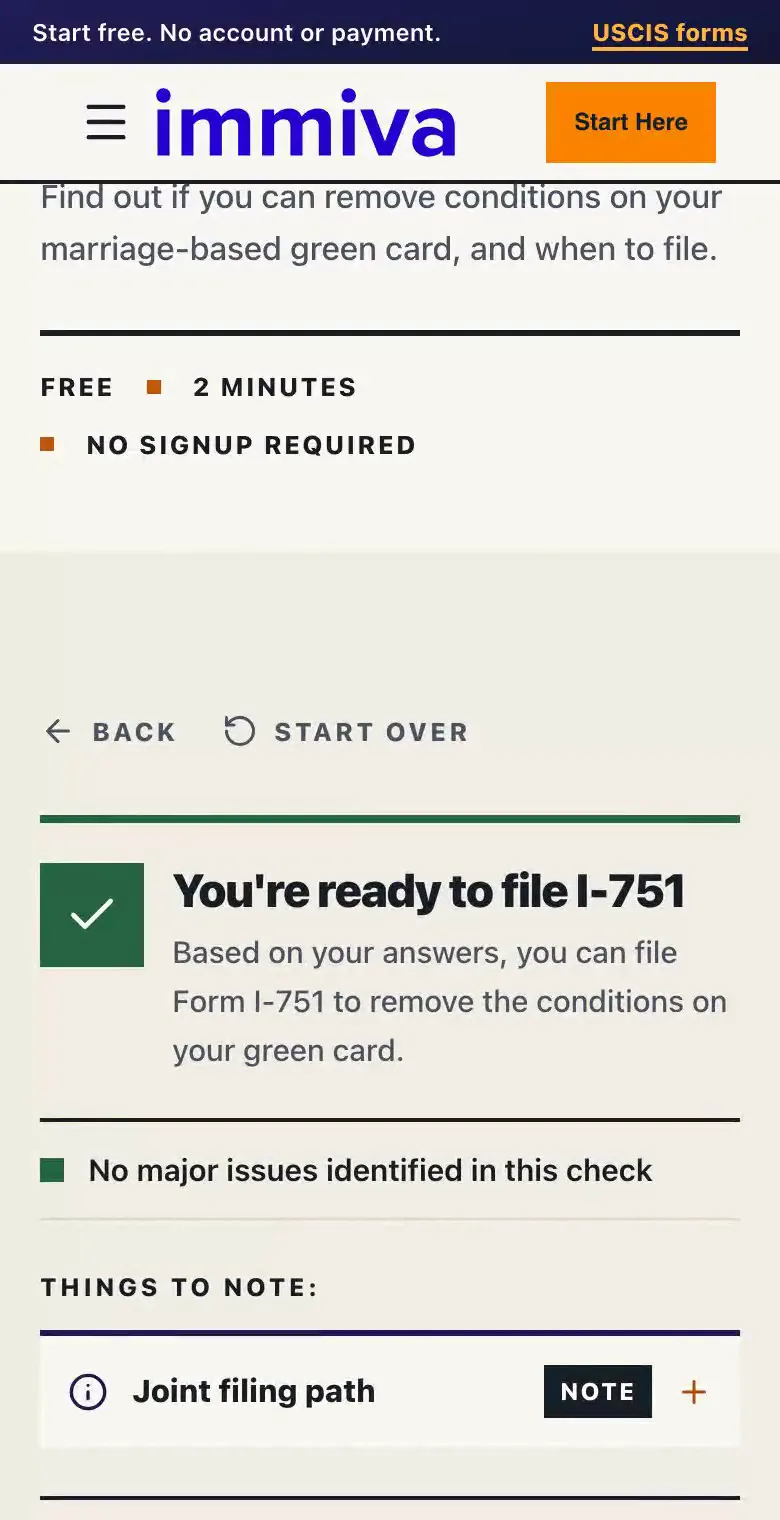
No Guesswork

1. Start with Your Application

Choose From Our Supported Applications

Whether you need a work permit or a change of status, simply pick the application type that matches your situation.

No Form Guesswork

One Comprehensive Application

Immiva Step 1 screen showing options to start an immigration application, including J-2 Employment Authorization, Optional Practical Training (OPT), H-4 Employment Authorization, and Change of Status to H-4, with a continue button.
No Guesswork

1. Start with Your Application

Choose From Our Supported Applications

Whether you need a work permit or a change of status, simply pick the application type that matches your situation.

No Form Guesswork

One Comprehensive Application

Immiva Step 1 screen showing options to start an immigration application, including J-2 Employment Authorization, Optional Practical Training (OPT), H-4 Employment Authorization, and Change of Status to H-4, with a continue button.
Smart & Simple

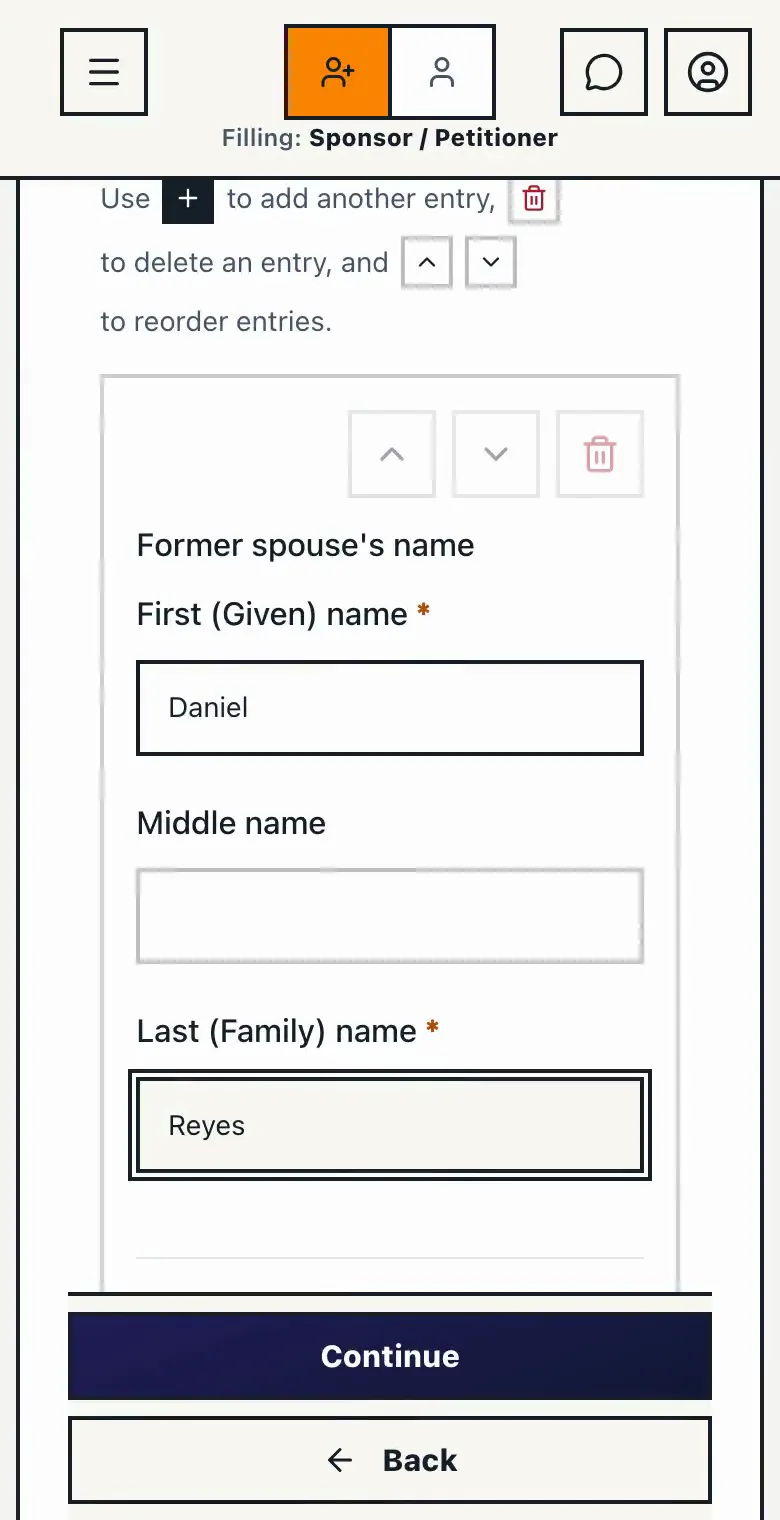
2. Answer Simple Questions

Plain & Easy

Forget confusing legal jargon. We guide you with clear, straightforward questions designed for real people, not lawyers.

Smart & Relevant

Auto-Save for Peace of Mind

Screenshot of Immiva's N-400 naturalization application form showing the "Names" section. The interface displays a left sidebar navigation with sections including Personal Information (expanded to show Names, Birth Details, Physical Description, Marital Status, Nationality Status), Application Details, Contact Information, Your Family, Documentation, Employment History, Travel History, Eligibility and Background Check, Request for Fee Reduction, Form Assistance, and Review. The main content area shows form fields for full legal name with "Marcus" entered as First (Given) name and "Long" as Last (Family) name, with Middle name left blank. Below are Yes/No toggle buttons for "Have you ever used any other names" (No selected), radio buttons for gender (Male selected), and Yes/No toggles for "Would you like to legally change your name" (No selected). A "Saved successfully" message appears at the bottom with Back and Continue navigation buttons.
Smart & Simple

2. Answer Simple Questions

Plain & Easy

Forget confusing legal jargon. We guide you with clear, straightforward questions designed for real people, not lawyers.

Smart & Relevant

Auto-Save for Peace of Mind

No Upfront Fee

3. Review & Secure Checkout

Low-Cost, No Lawyers

Because we use smart technology instead of costly legal services, you pay a fraction of what traditional law firms charge.

Transparent Pricing

Pay Only When You’re Ready

Immiva's automated form validation screen for N-400 citizenship applications showing real-time answer verification. A modal dialog overlays the grayed-out review page displaying "Verifying your answers..." with the message "Good job! We are verifying your answered all the required questions. We'll be back soon..." and an animated loading indicator with four blue dots. The background shows the Immiva interface with the dark blue sidebar navigation and the review screen featuring the heading "Let's get your immigration documents ready!" with an illustration of a person reviewing a checklist. This automated validation helps catch errors before submitting USCIS naturalization forms.
No Upfront Fee

3. Review & Secure Checkout

Low-Cost, No Lawyers

Because we use smart technology instead of costly legal services, you pay a fraction of what traditional law firms charge.

Transparent Pricing

Pay Only When You’re Ready

Immiva's automated form validation screen for N-400 citizenship applications showing real-time answer verification. A modal dialog overlays the grayed-out review page displaying "Verifying your answers..." with the message "Good job! We are verifying your answered all the required questions. We'll be back soon..." and an animated loading indicator with four blue dots. The background shows the Immiva interface with the dark blue sidebar navigation and the review screen featuring the heading "Let's get your immigration documents ready!" with an illustration of a person reviewing a checklist. This automated validation helps catch errors before submitting USCIS naturalization forms.

Your Immigration Journey Starts Here

No lawyer fees. No confusing forms. Just clear guidance.
Start Your Application
No Mistakes

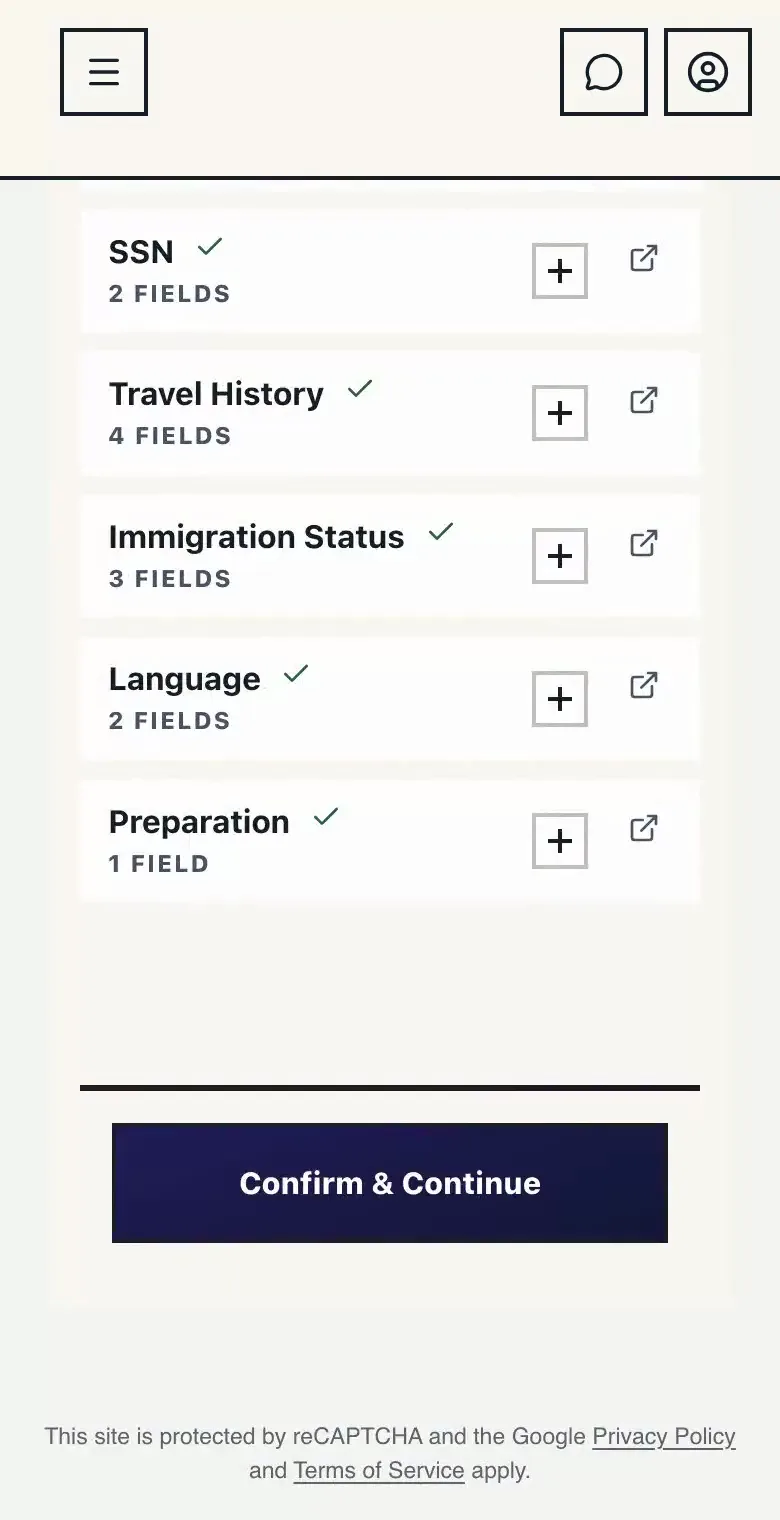
4. Immiva Builds Your Forms

Always Accurate

Your answers are automatically placed into the correct USCIS forms, filled out error-free and up-to-date.

Personalized Document Checklist

Peace of Mind

Close-up of USCIS Form I-485, U.S. Permanent Resident Card, Social Security card, and official documents on an American flag background, representing Immiva’s automated form preparation and personalized checklist for immigration applications.
No Mistakes

4. Immiva Builds Your Forms

Always Accurate

Your answers are automatically placed into the correct USCIS forms, filled out error-free and up-to-date.

Personalized Document Checklist

Peace of Mind

Close-up of USCIS Form I-485, U.S. Permanent Resident Card, Social Security card, and official documents on an American flag background, representing Immiva’s automated form preparation and personalized checklist for immigration applications.
USCIS Ready

5. Download & File

Instant Access

Your completed application packet is ready to download immediately after payment — no more waiting days for paralegals or lawyers to copy your answers from Google Docs into USCIS forms.

Clear Filing Instructions

Close-up of a person holding neatly clipped stacks of immigration paperwork with binders in the background, symbolizing Immiva’s ready-to-download and file application packets.
USCIS Ready

5. Download & File

Instant Access

Your completed application packet is ready to download immediately after payment — no more waiting days for paralegals or lawyers to copy your answers from Google Docs into USCIS forms.

Clear Filing Instructions

Immiva Logo

Disclaimer: Simple Immi LLC dba Immiva is not a lawyer or a law firm and does not engage in the practice of law, provide legal advice, or offer legal representation. The information, software, services, and comments on this site are for informational purposes only and address issues commonly encountered in immigration. They are not intended to be a substitute for professional legal advice. Immiva is not affiliated with or endorsed by the United States Citizenship and Immigration Services (USCIS) or any other government agency. Your use of this site is subject to our Terms of Use.

Copyright © 2025 immiva.com (Simple Immi LLC dba Immiva)